
For the past few weeks, I have been migrating my initial stock/options calculator from excel to a full VB.Net project. This has been a challenging, but very rewarding experience because of how gratifying it is to use the skills I have learned at work towards building a financial program of my own. It is built on a Calculator UI with a Financial Library I created that houses all of the stock and option functions necessary to run the program. It is fascinating to see everything come together and how easy a particular process can be made by writing it in code.
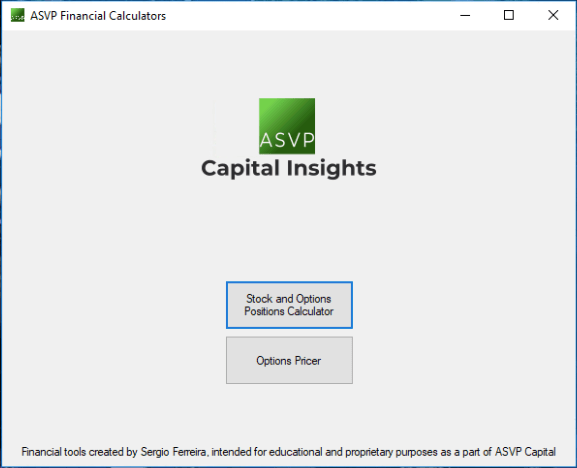
Not only did I want the calculator to run well, but it was also important to me that I take the time to give it a professional design so I added my logo along with other elements to help it stand out. As I get more comfortable designing in windows forms, I will improve the look of the program to make it more modern-looking. The image above is the startup menu where users can select to open either the “Stock and Options Positions Calculator” or the “Options Pricer”.
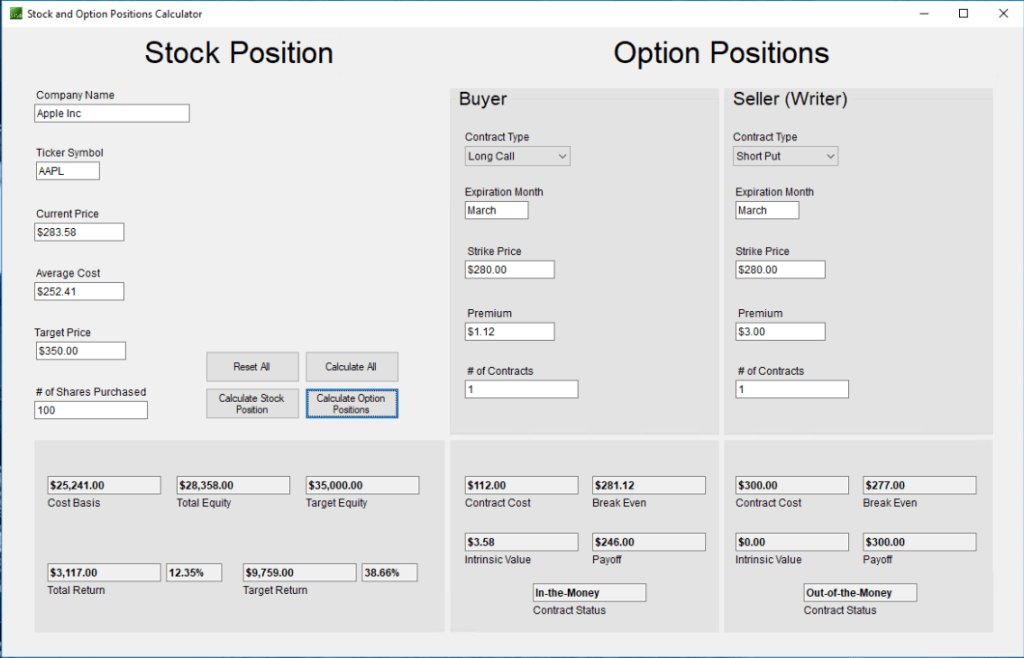
Opening the “Stock and Options Positions Calculator” opens the form above which includes all the functionality from my original Stock/Options Calculator on excel. I used Apple as an example in the picture above to show the accuracy of the calculations and the information it can provide on the options side of things. The most challenging part at first was figuring out how to properly format the text boxes as percents and currencies. Once I finally learned how to do that following an extensive internet search, everything else came quickly since it was the finance logic that I have been familiar with.
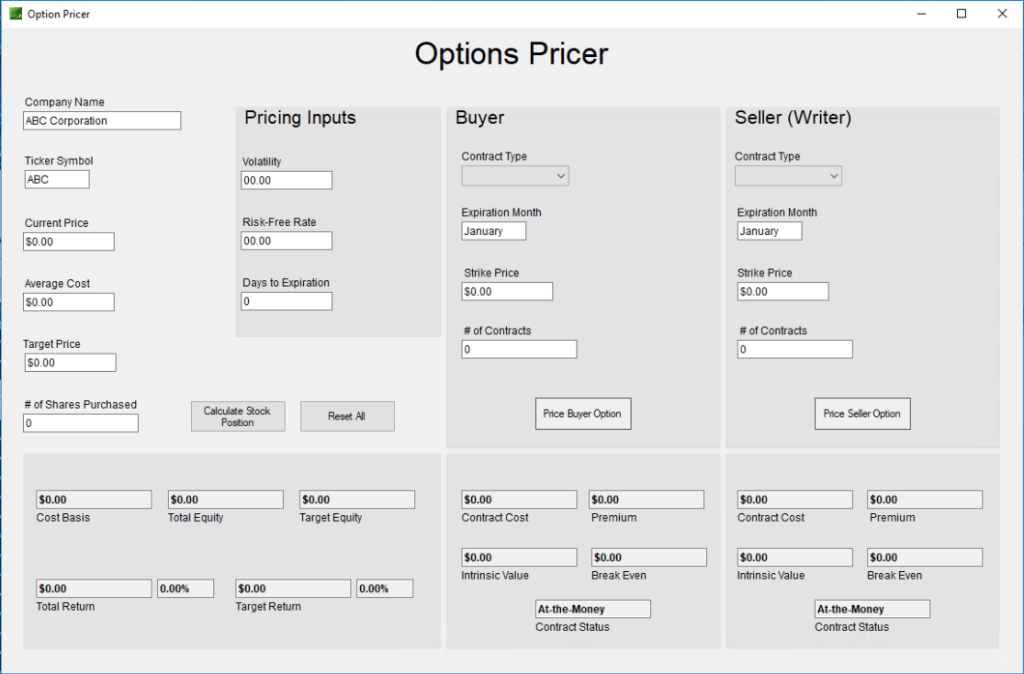
The “Options Pricer” is a work in progress as I still have to properly translate the math involved in calculating option premiums into code. It needs a bit of tweaking, but the principal logic is there. The idea is to be able to calculate a particular option premium based on the specified volatility, risk-free rate, and days to expiration along with the other necessary fields (Contract type, Strike, # of contracts). This particular calculator has stretched me outside of my comfort zone when it comes to complex math, which has helped me become more adept with numbers. As the formulas continue to click, I feel more comfortable working with the more complicated financial concepts like Black-Scholes models among others.
This is a project I would love to share on my blog, but I am not sure how to properly upload it yet. Getting users to test the application themselves is the best way to get feedback on it so that I can continue improving it. Once I figure out how to share it, I will post it here. Working on this project has given me the idea to develop other tools such as a WACC calculator and other portfolio management resources. I am excited to continue sharing my work and journey!
-S.F.
 ASVP Capital Insights